A complete office
Six apps for every file on your desk: PDFs, Word and Excel files, slides, photos and scans.
Free · Open source · macOS and Windows
OFF42 brings together six native apps for macOS and Windows: PDFs, documents, spreadsheets, presentations, images and scans. Free and open source, with separate platform implementations and documented limitations.
Free · Open source · macOS 14+ · Windows
WHAT'S IN A NAME
Six apps for every file on your desk: PDFs, Word and Excel files, slides, photos and scans.
Editing runs locally on your computer. No account or file uploads.
No subscription, no trial period, no ads. MIT-licensed and free, today and tomorrow.
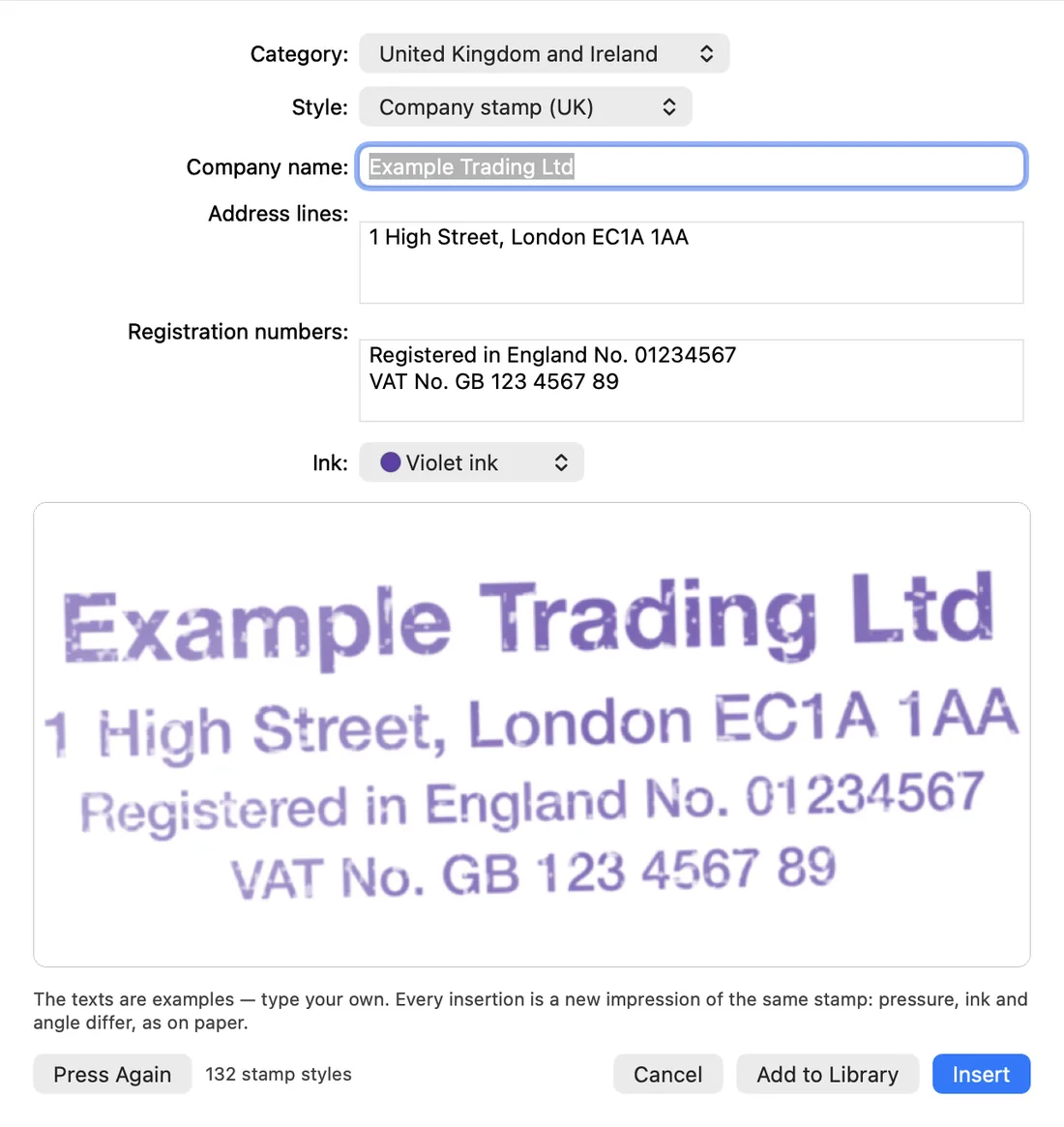
SIGNATURES AND STAMPS
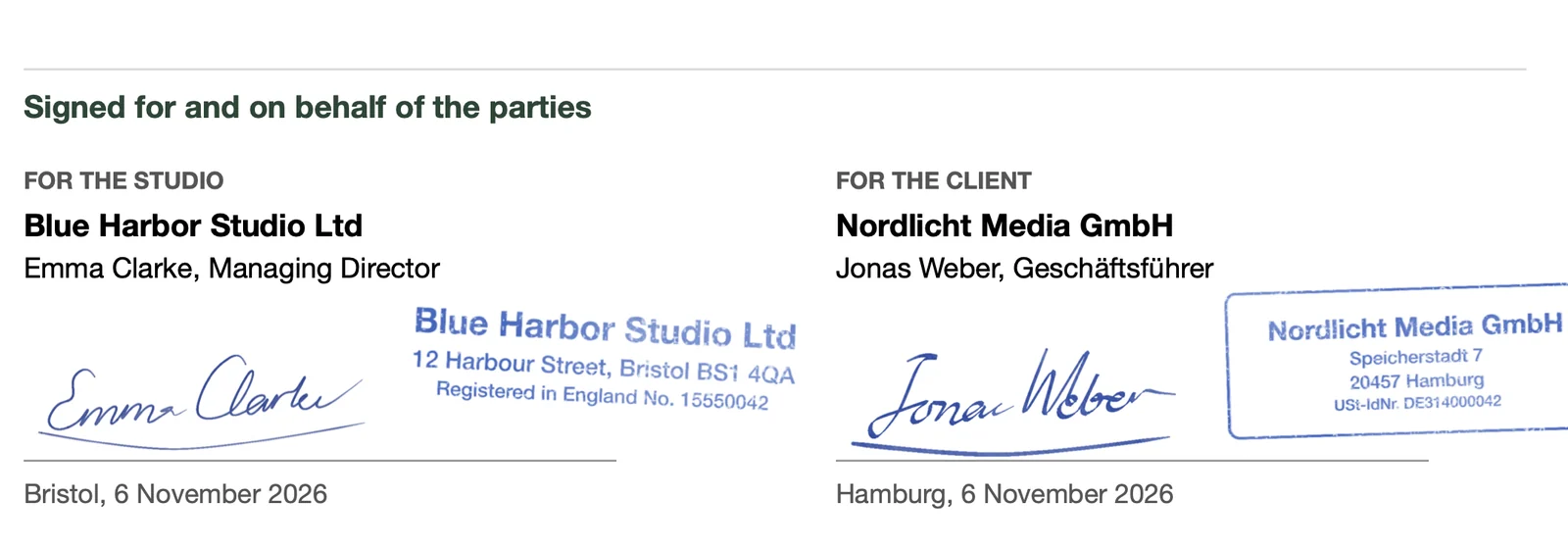
Add images of your own signature and stamp to your document.
A drawn signature is not a certificate-based digital signature. When you need one, PDF42 signs with your certificate.
PDF signatures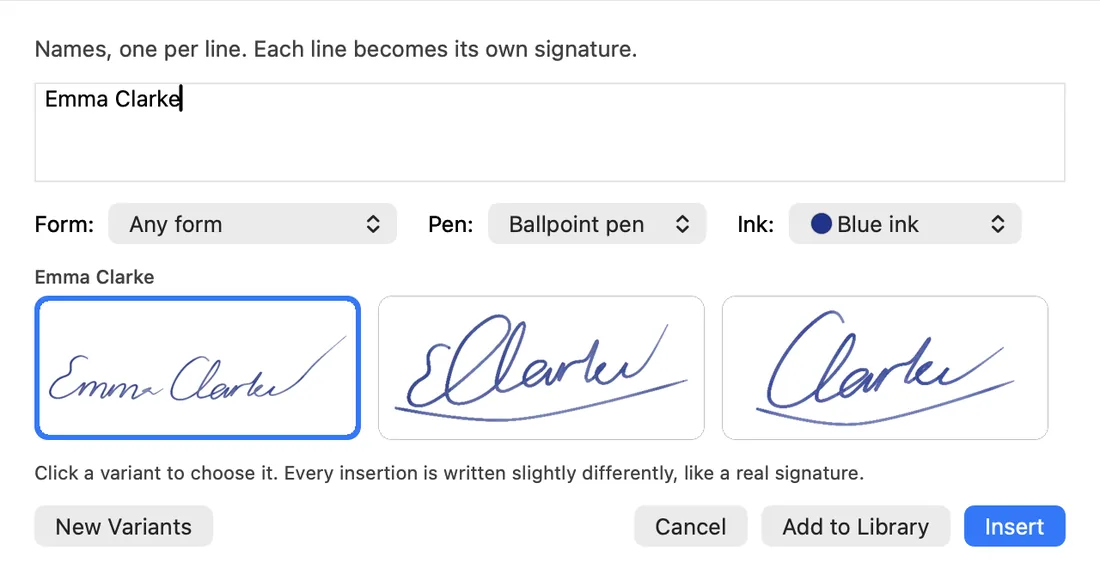
SEE IT AT WORK
Every picture here is a screenshot of OFF42 on a Mac, with sample documents of fictional companies opened in the apps. No mock-ups.
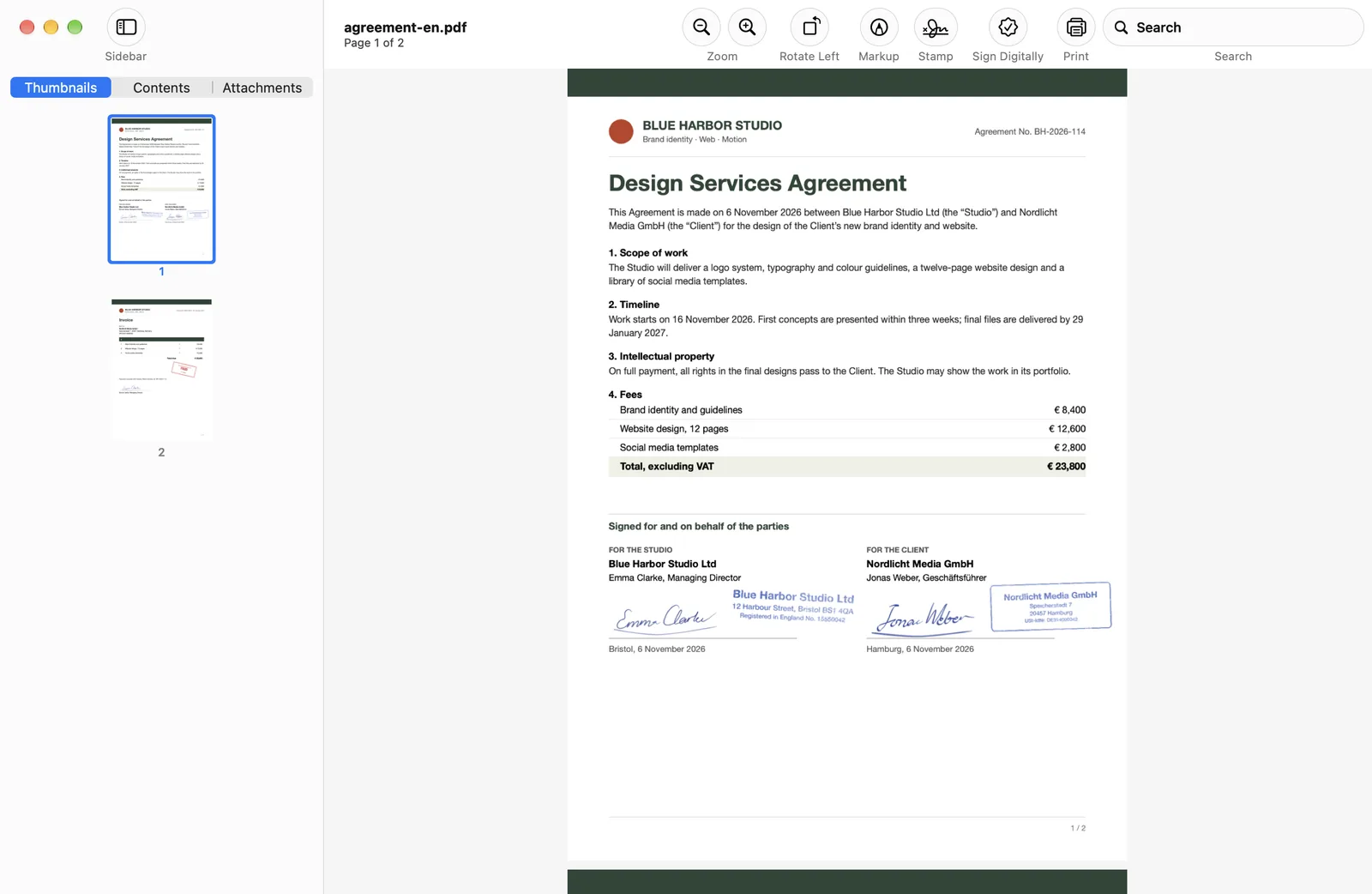
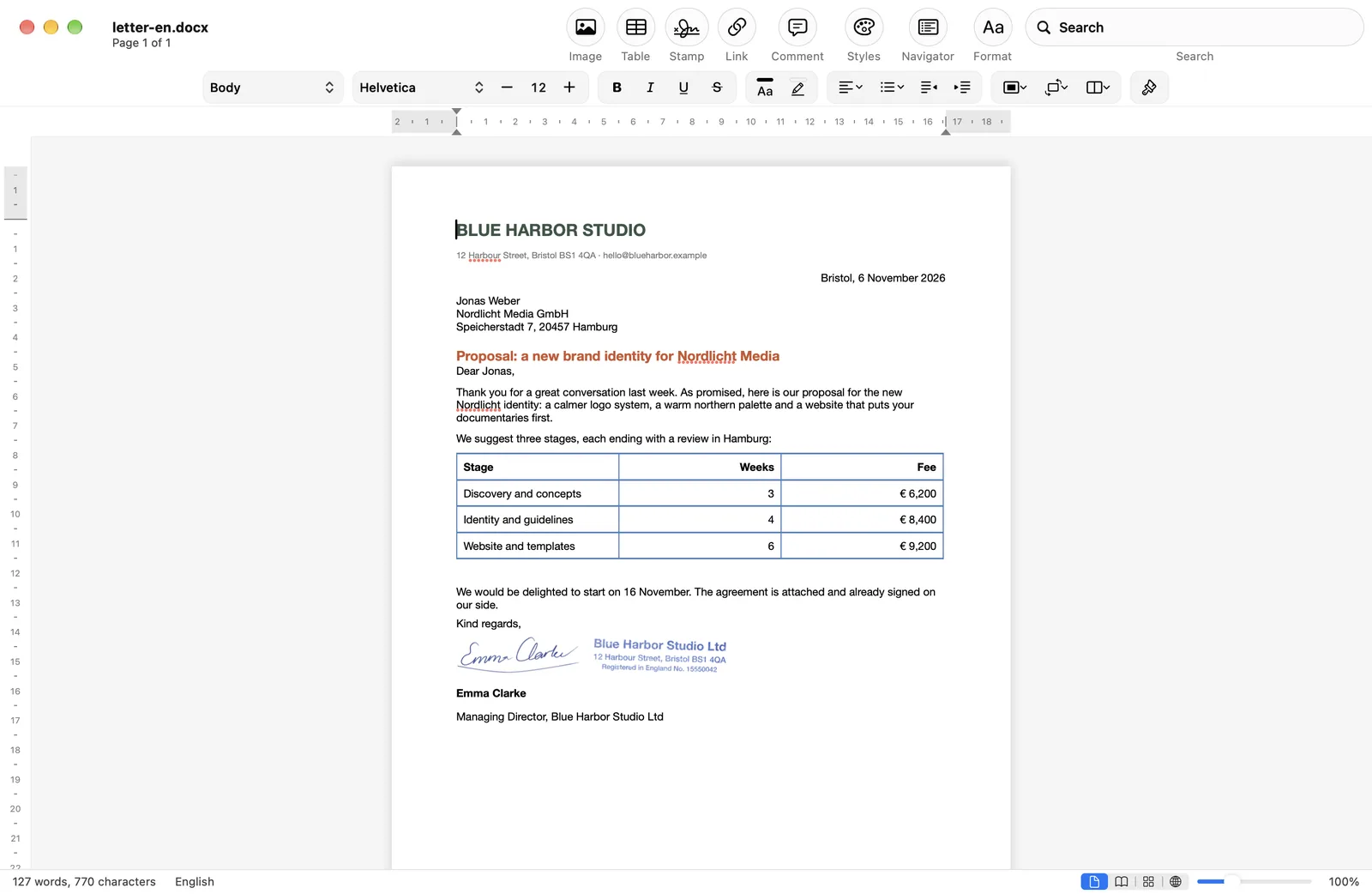
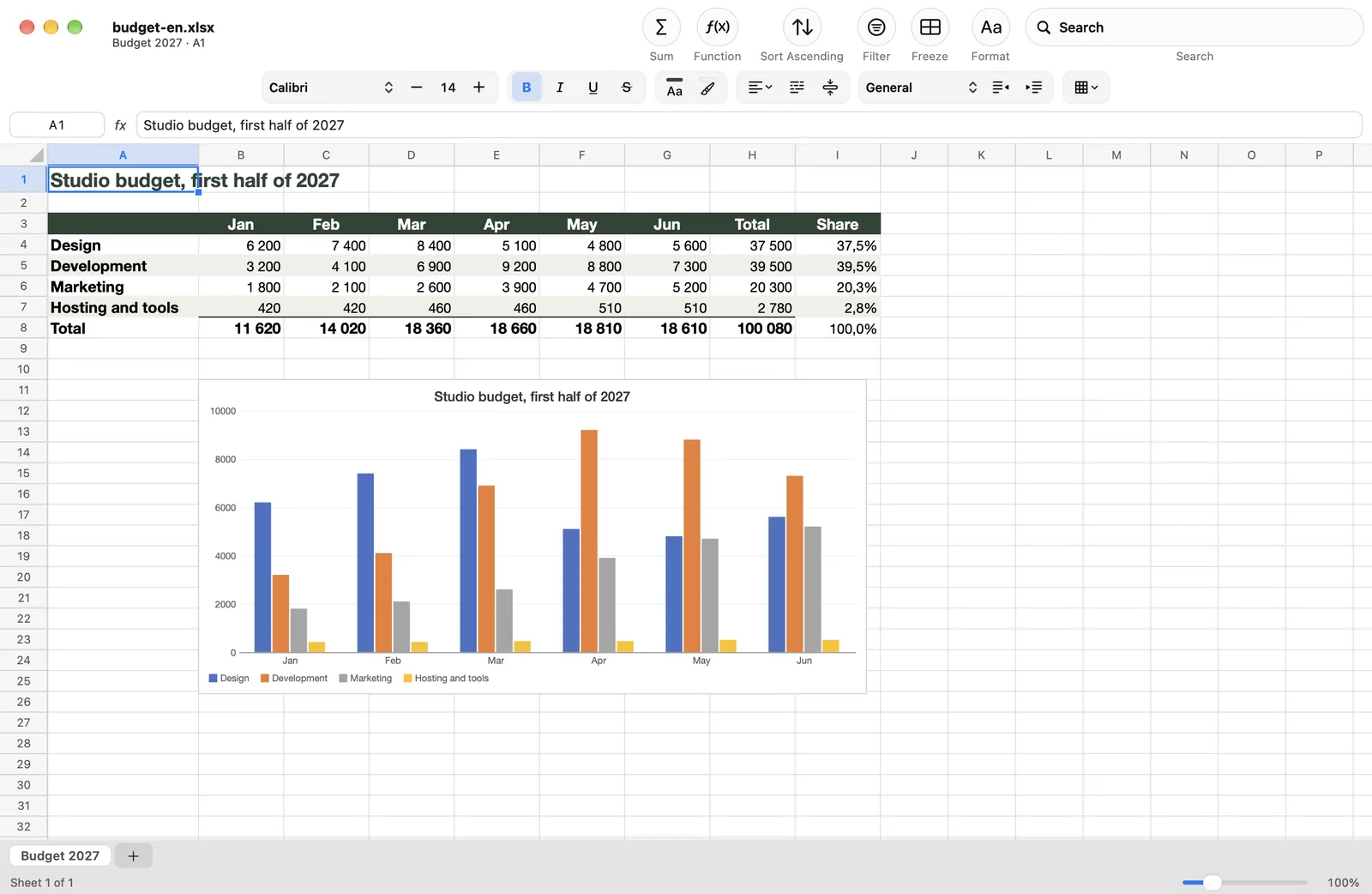
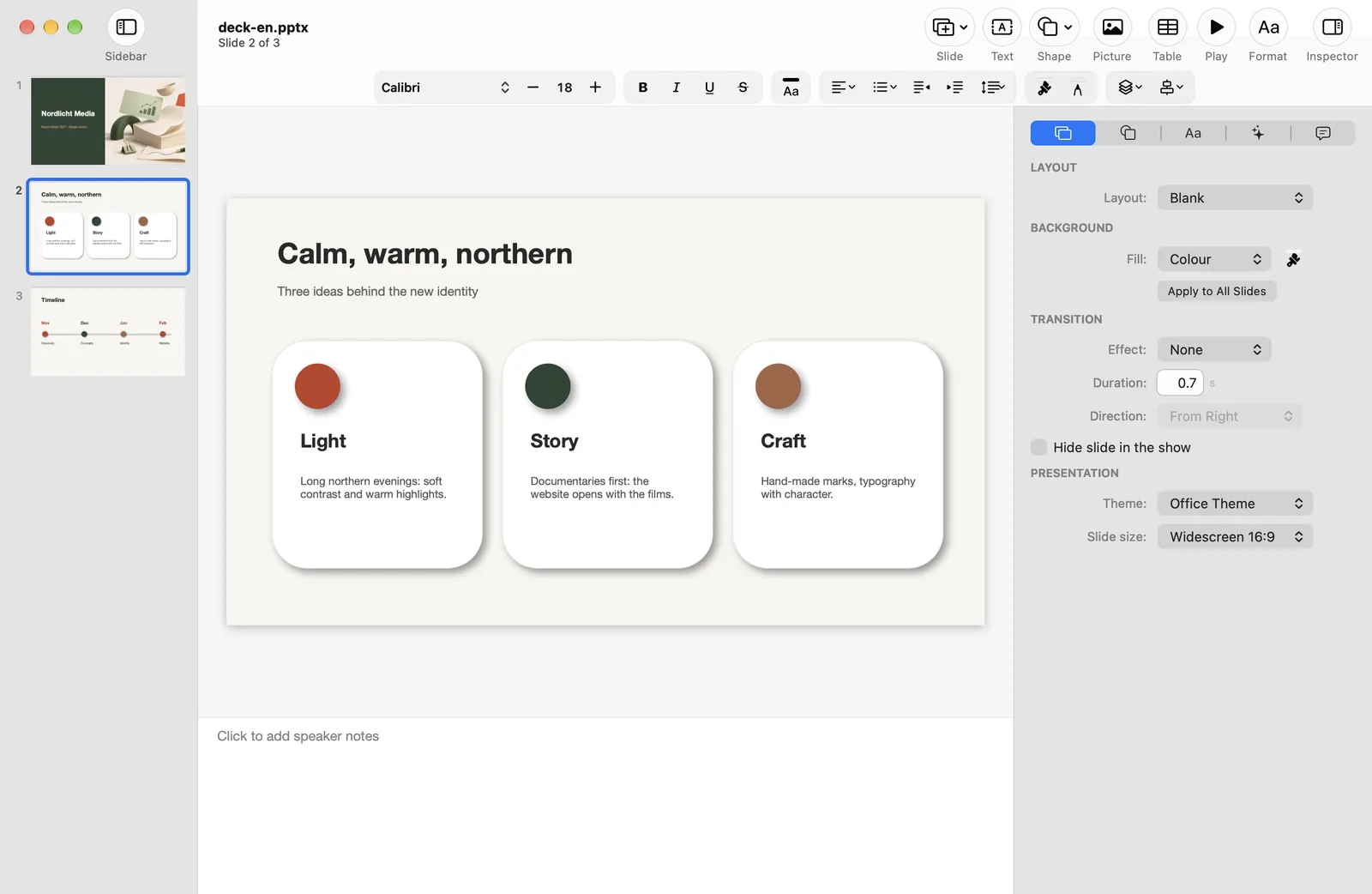
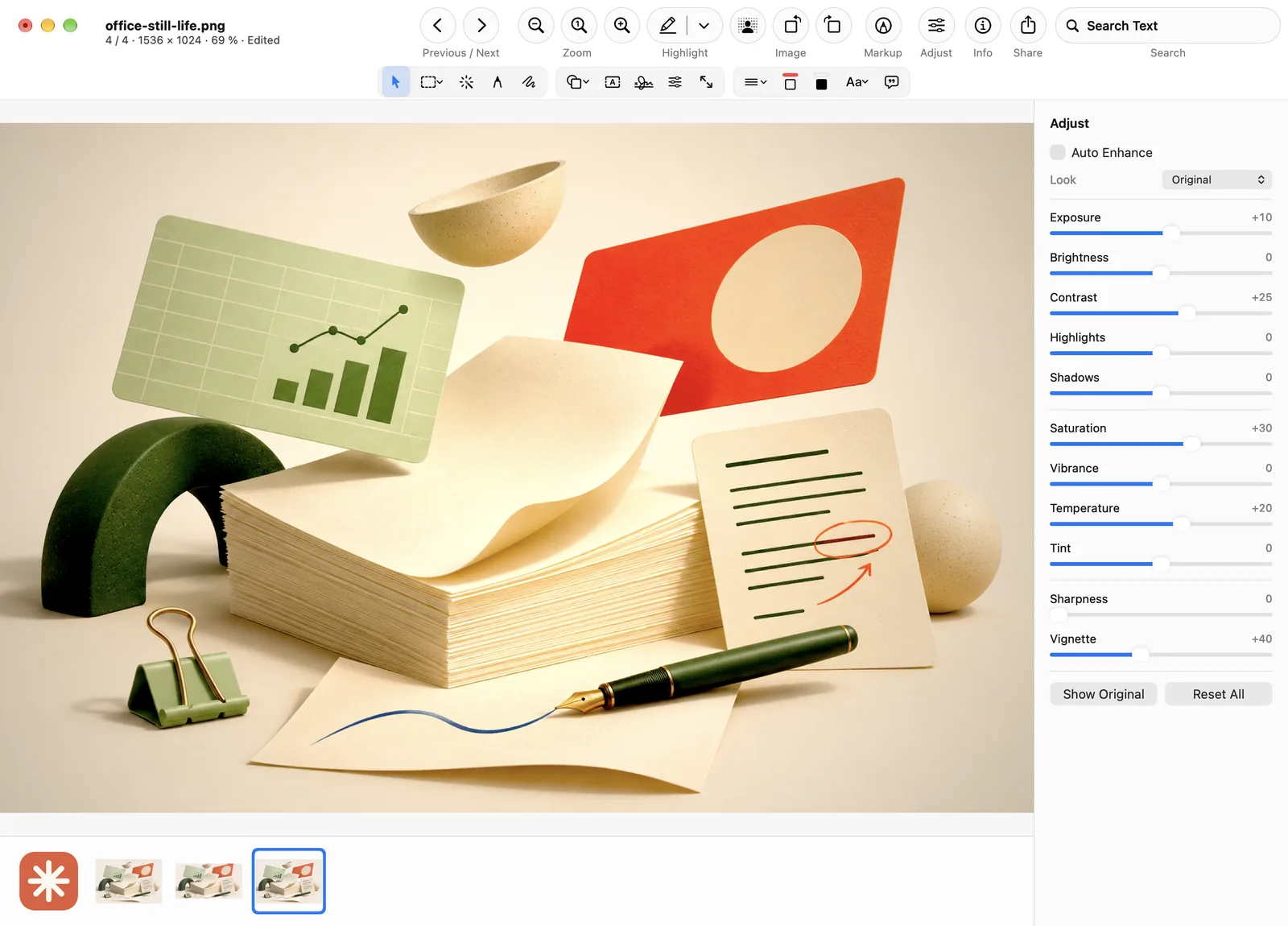
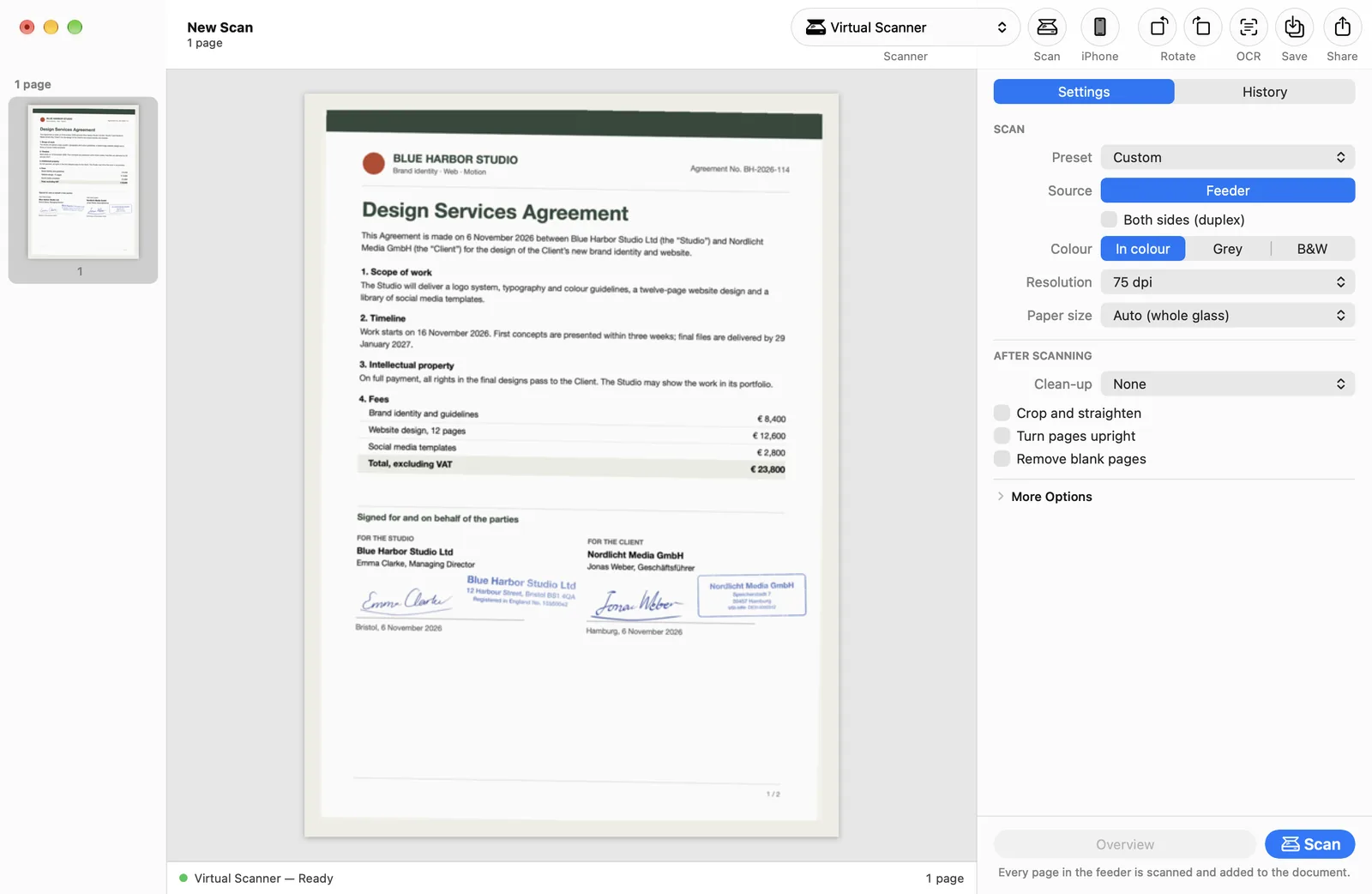
Screenshot on macOS. Sample documents, fictional companies.
OFF42 / 06
From the first rough draft to the final signed PDF, keep your everyday work in one familiar family of tools.
Read, annotate, organise, compress and sign your PDFs.
Write and lay out documents in DOCX, ODT, RTF and Markdown.
Work with spreadsheets, formulas and charts in XLSX, ODS and CSV.
Build slides, work with tables and shapes, and present your story.
View, crop, resize, annotate and adjust your images.
Scan, clean up pages and recognise text with on-device OCR.
OFFICE AND OPEN FORMATS
Open what colleagues send you and save in the format they expect. Complex layouts can look different, so check important files after import.
SMALL DETAILS. BIG DIFFERENCE.
Edit a PDF. Tame a large attachment. Turn a paper page into searchable text. Find the tool for the job.
Make the PDF your working document. Edit page text, add notes, highlight the important parts, fill forms and put pages in the right order with PDF42.
Make image-heavy PDFs easier to share. PDF42 offers compression controls so you can choose a practical balance between file size and image detail.
Keep signatures and stamps close to your work. Add a visual signature, reuse a stamp or work with certificate-based digital signatures in PDF42.
Bring paper into your digital office with SCN42. Acquire pages, straighten and clean them up, then recognise text on your Mac.
Made for local work
Core editing runs locally on your computer without uploading files. Optional online features need a connection; availability varies by platform.
Privacy20 / 20
The website and app interface speak your language. Choose yours and keep the same tools close at hand.
Open source / MIT
OFF42 is released under the MIT license. Read the code, build it yourself, report a bug or help make the next version better.
Explore on GitHubYes. OFF42 is free and open source under the MIT license. There are no subscriptions, accounts or in-app purchases.
Core editing runs locally on your computer without uploading files. Optional online features need a connection; availability varies by platform.
Yes. DOC42 opens DOCX and DOC, XLS42 opens XLSX and XLS, and PPT42 opens PPTX. OpenDocument files (ODT, ODS, ODP) are supported too. Not every Office feature is supported, so check complex files after import.
A preview DMG is available for Apple Silicon Macs running macOS 14 or later.
Preview with all six apps. Extract the entire ZIP, then launch the app you want. Includes tools for labels and barcodes.
Free · Open source · macOS and Windows